Logging In via the Mobile App
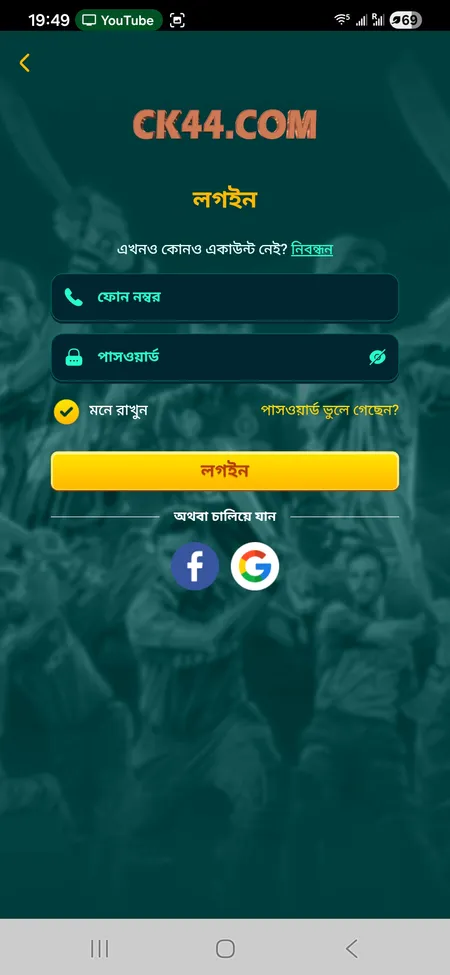
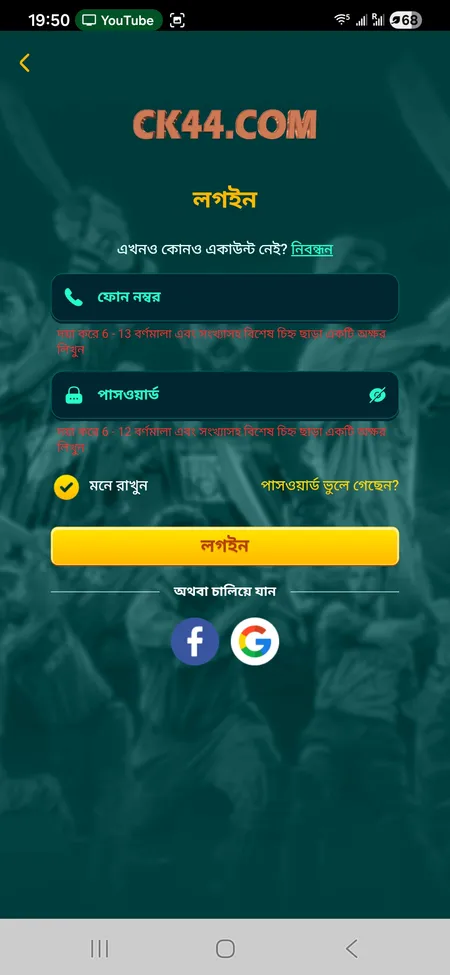
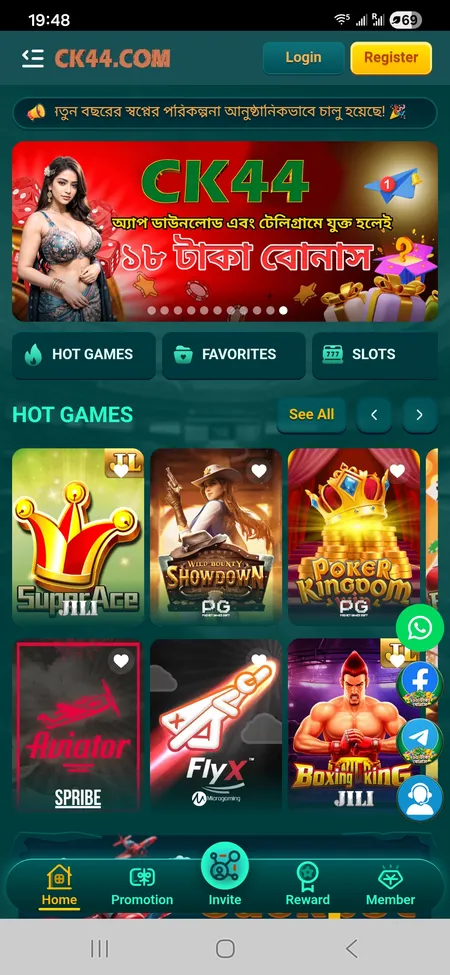
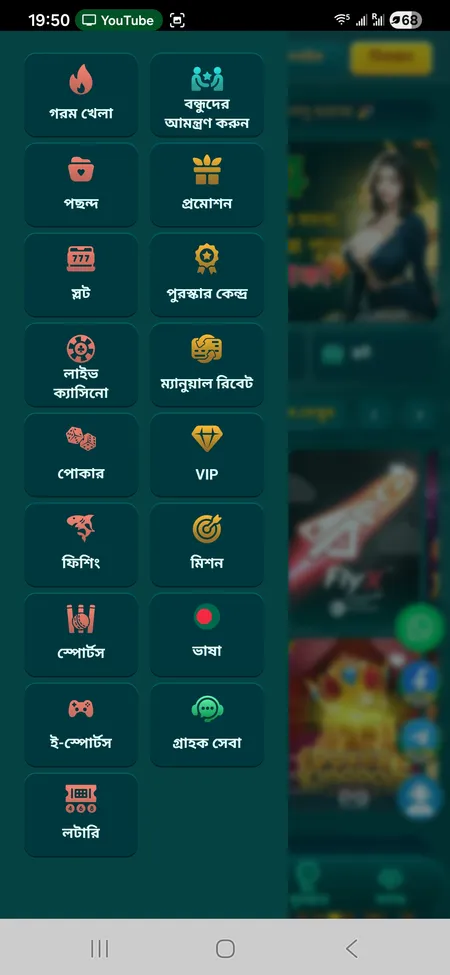
The CK444 app for Android (APK download, approximately 25 MB) and iOS (PWA via Safari) provides the same login experience as the web version. The phone and password fields appear on the home screen before you access any game or account feature.
The app supports the Remember Me option, which keeps you signed in between sessions. If you clear the app cache or reinstall, you will need to enter your credentials again.
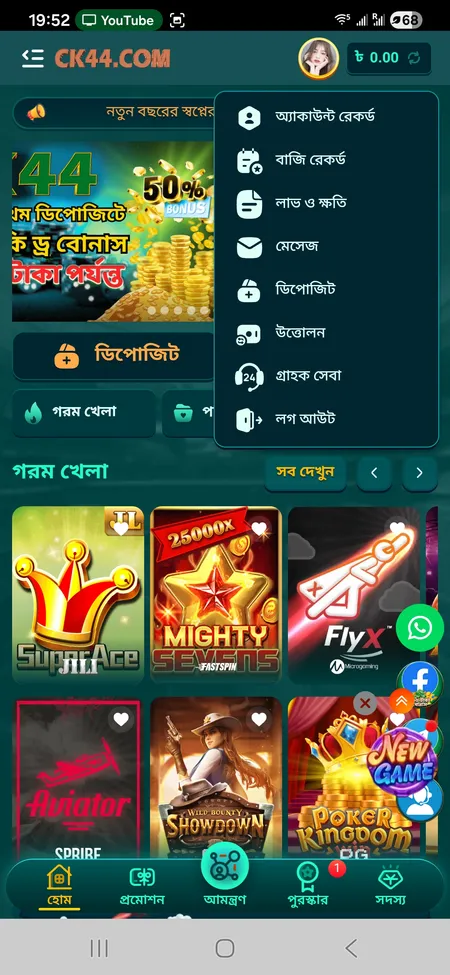
Fingerprint and Face ID login are available on supported devices after the initial password sign-in. Enable this in your account security settings after logging in the first time.
The mobile app is generally faster at loading the login session compared to the mobile browser, especially on slower connections common in Bangladesh.